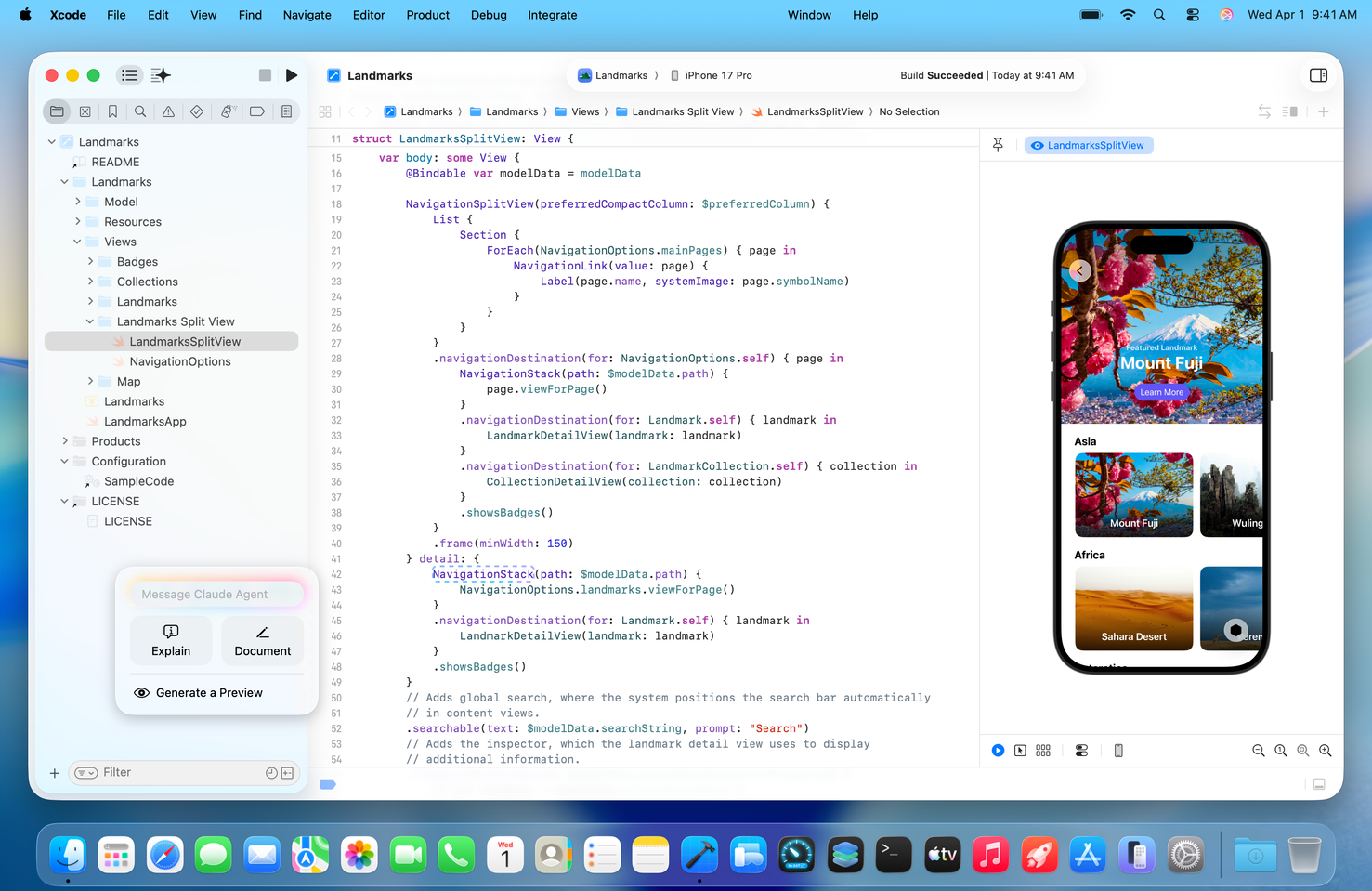
Apple’s Xcode 26.3 moves beyond “AI suggestions” and into agentic coding—AI agents that can take actions in the IDE. Developers can use Anthropic’s Claude Agent and OpenAI’s Codex inside Xcode to create files, modify code, run builds/tests, and validate SwiftUI UI via previews. Xcode 26.3 also adds MCP support, expanding integration beyond just Claude and Codex.
Apple has released Xcode 26.3 with support for agentic coding, a capability that allows AI tools to do more than autocomplete or answer questions. Instead, agents can act inside Xcode—navigating project structure, creating and editing files, running builds and tests, and iterating toward a goal.
What changed in Xcode 26.3
Since Xcode 26, Apple has supported AI-assisted development workflows. Xcode 26.3 expands this into an “agent” model, where AI tools can:
Inspect project structure and make multi-file changes
Trigger builds and test runs
Iterate on failures using logs
Validate UI by capturing previews (especially relevant for SwiftUI)
Claude and Codex inside Xcode
Multiple outlets report that Apple worked with Anthropic and OpenAI to integrate their agents into Xcode 26.3. The result is a workflow where developers can invoke Claude Agent or Codex within the IDE and assign tasks that span coding, building, and verification.
Important nuance: these agents generally require developers to connect provider accounts and usage may be billed by the AI providers, while Apple provides the Xcode integration.
The “sleeper feature”: MCP support
Xcode 26.3 supports the Model Context Protocol (MCP), an open standard that enables other compatible agents and tools to connect into Xcode workflows. In practice, that means the Xcode agent layer is not limited to Claude or Codex—teams can potentially plug in additional tooling that speaks MCP.
Why this matters
For Apple-platform development, the bottleneck isn’t only writing code—it’s the workflow around it: building, testing, debugging, and validating UI. If agents can execute those loops inside Xcode, teams can reduce iteration time and shift developer effort toward architecture, product decisions, and reviews.
For startups and dev teams in MENA (and Lebanon in particular), the implication is practical: faster iteration makes small teams more competitive—especially when hiring is constrained and output speed matters.